Inspect the details
Review readable location, capture date, camera and lens information.
Bokeria / Photo & video
See the details stored in a photo. Remove supported EXIF and GPS information, then share a cleaned copy.
iPhone & iPad · Android



What it does
Review readable location, capture date, camera and lens information.
Remove detected fields where supported, or clean known descriptive metadata.
Clean on your device while keeping the original by default.
Inside the app
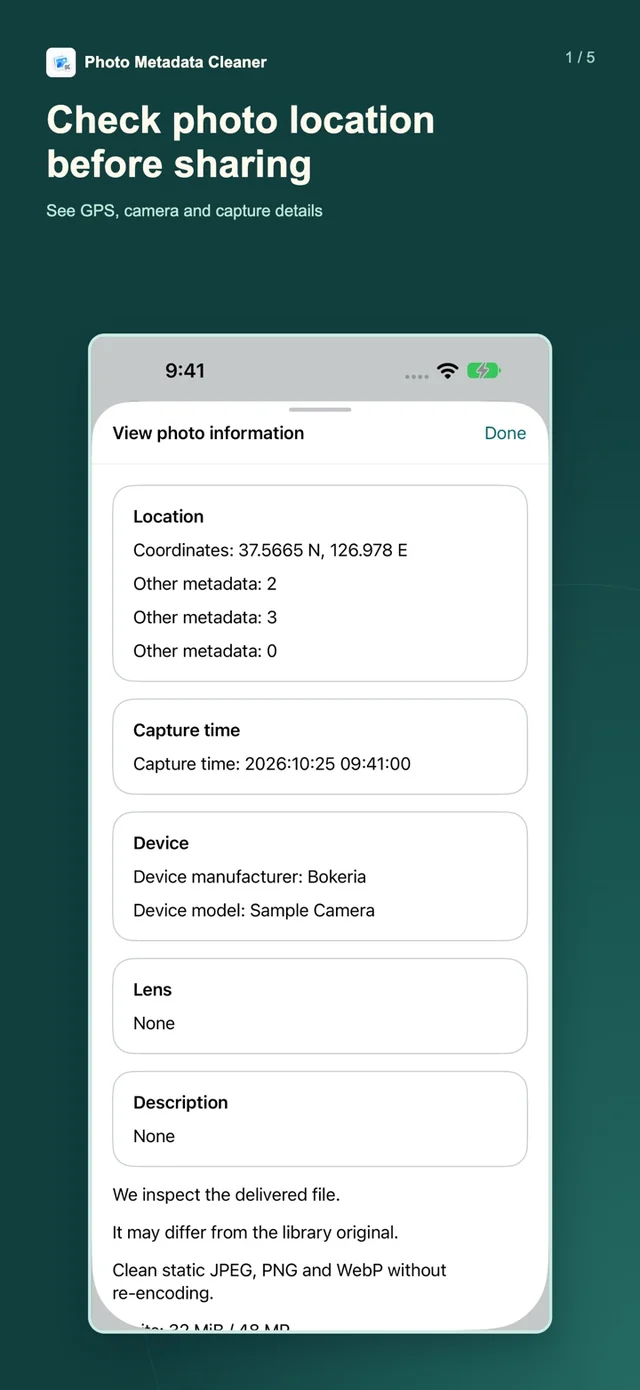
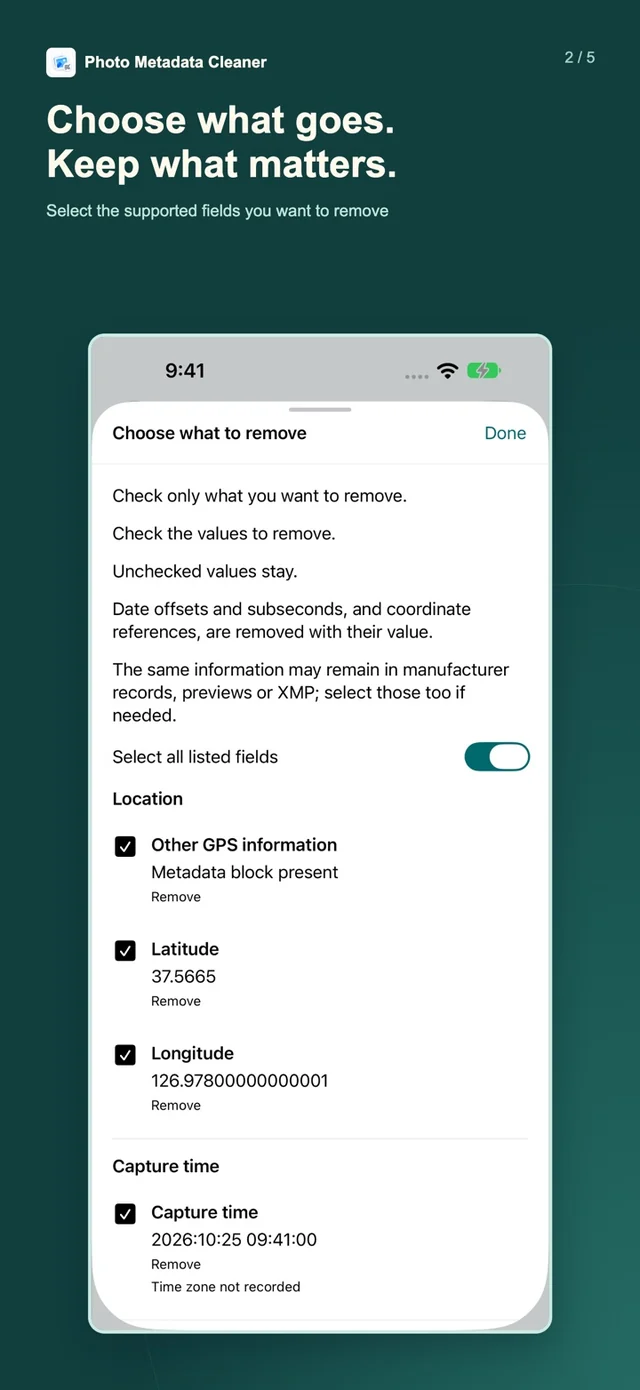
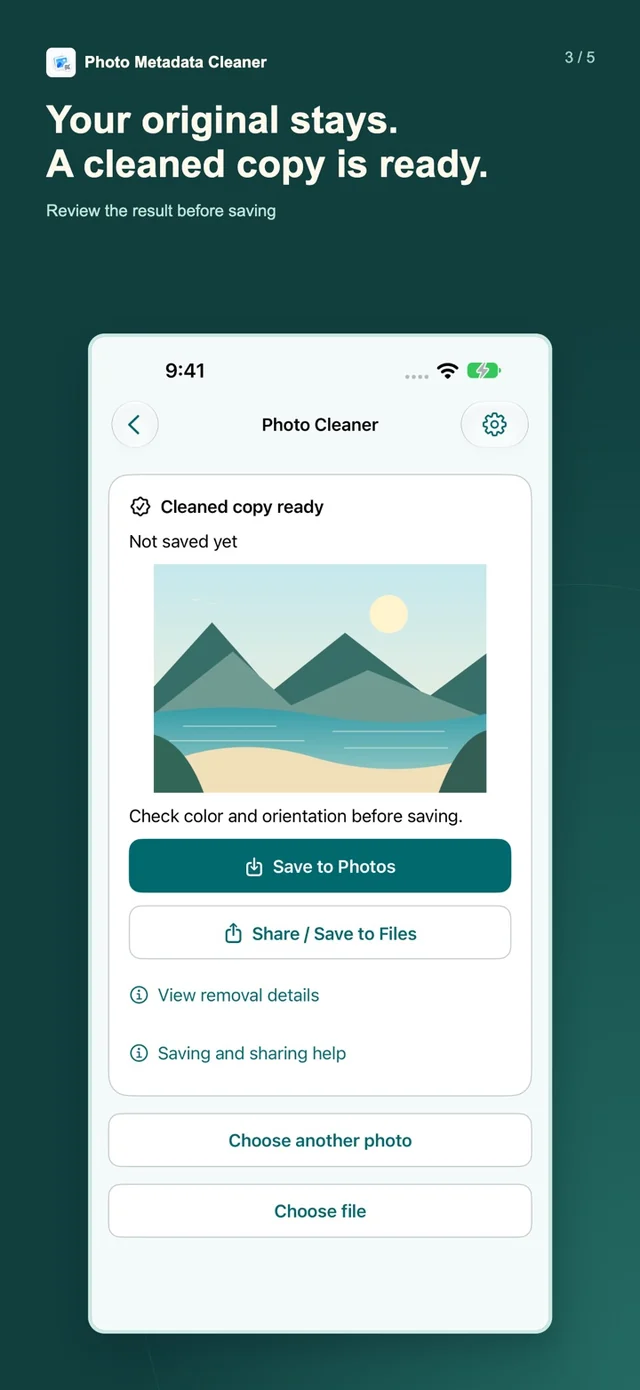
Actual app screens. Appearance and available features vary by device and version.
Getting started
Good to know
Here to help
Tell us the app name and version, your device, and what happened. Please leave out private documents, photos and payment information.
appsupport@bokeriastudio.comRead about permissions, data handling and your choices, alongside the conditions for using the app.