Follow your total and budget
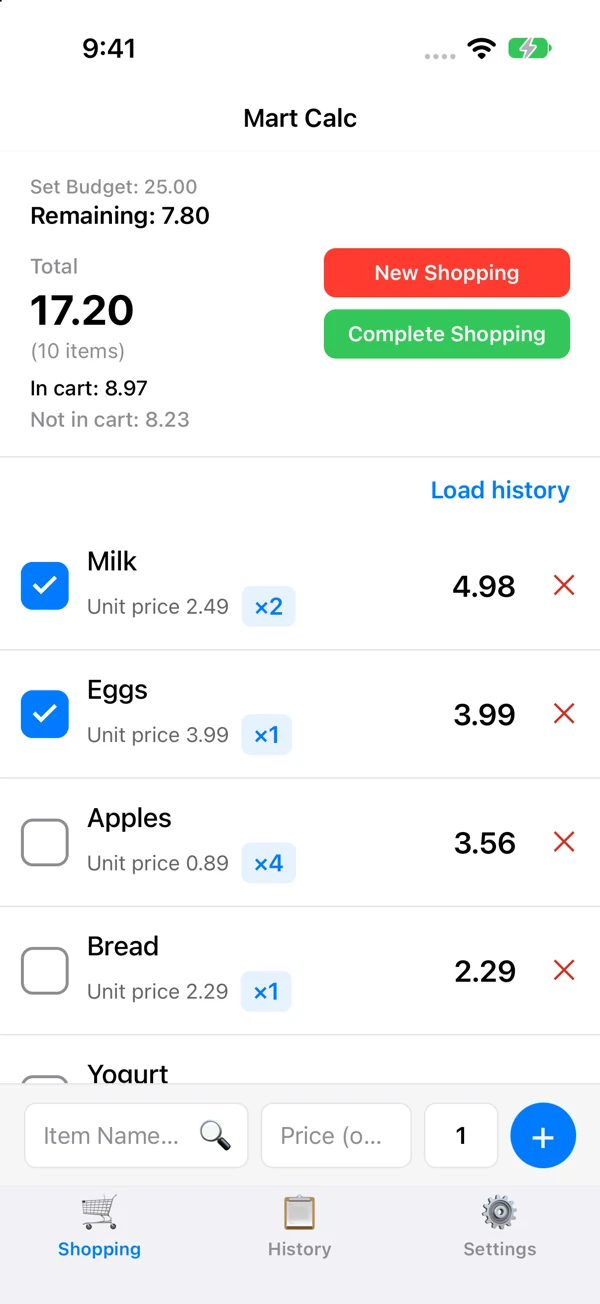
Enter prices and quantities to see the total, the amount in your cart and the amount still to buy. Set a budget to check what remains.

YOUR LIST. YOUR TOTAL.
Know your total.
Before checkout.
Keep your grocery list and calculator together. Add prices and quantities, check your budget, and see what is already in your cart.


Available for Android, iPhone and iPad.
Enter prices and quantities to see the total, the amount in your cart and the amount still to buy. Set a budget to check what remains.
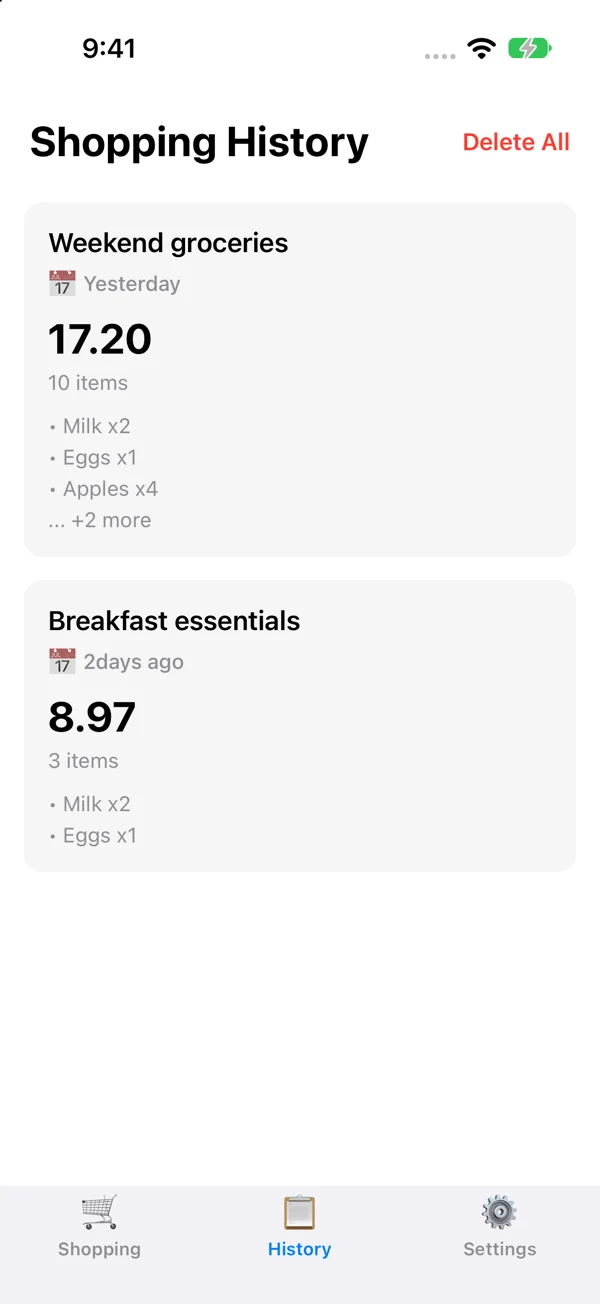
Save a completed trip, browse your 20 most recent records, and add a title or memo. Load saved items into your next list.
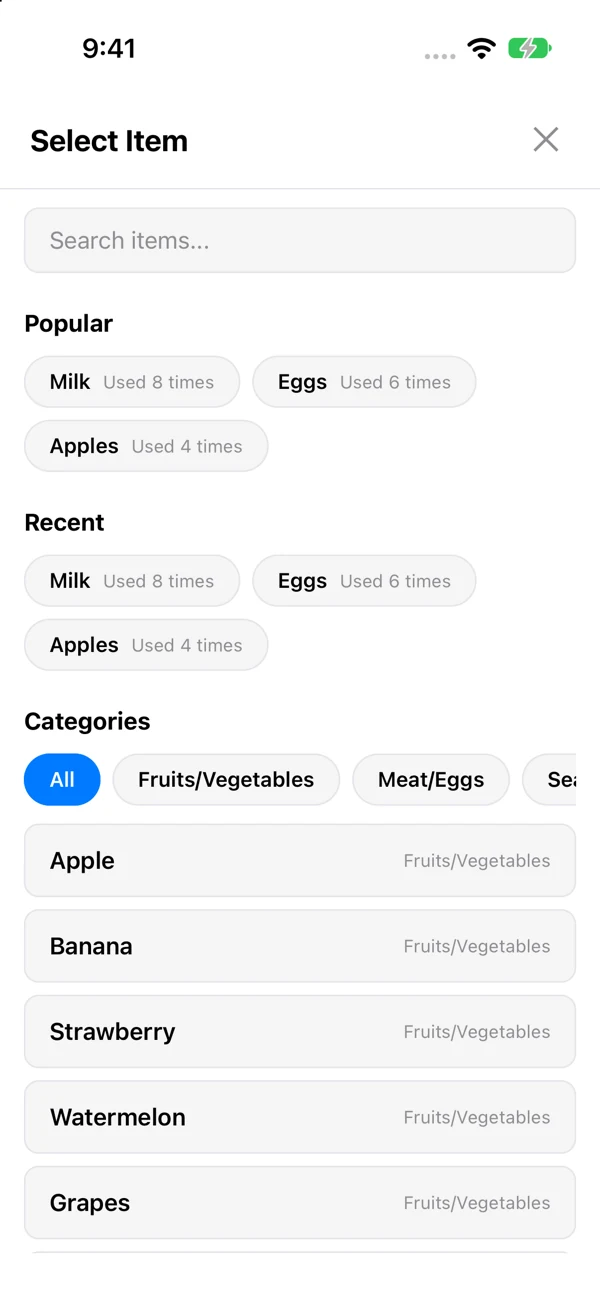
Use recent items, categories and templates with default prices. Choose light mode, dark mode or your system setting.
Actual iPhone app screens with sample shopping data. Layout can vary by device.
No. You enter prices yourself. Mart Calc calculates totals from your entries.
No account is required. Shopping lists, records and templates are stored on your device. We do not keep a remote copy of that shopping content.
Korean, English, Japanese, Simplified Chinese and Spanish.
Manage optional usage statistics and error/performance diagnostics separately in Settings. Versions with the advertising update may show a non-personalized banner only after seven full days from recorded first use and at least ten launches. No ad is shown at first installation or first launch; advertising privacy choices are separate. See the policy for details.
Need help with a list or saved record? Support
appsupport@bokeriastudio.com